Best AI Interview Prep Tools in 2026: I Tested 6 So You Don't Have To

Best AI Interview Prep Tools in 2026: I Tested 6 So You Don't Have To
I spent the last three weeks testing every AI interview tool I could get my hands on — real-time coaching copilots, mock interview bots, speech coaches, free AI interview practice platforms, and everything in between.
Here's what actually works, who each tool is best for, and where they fall short. Whether you're looking for the best AI interview assistant to level up your mock sessions or a free practice tool to sharpen your answers.
How I Tested These Tools
I didn't just sign up and poke around for 10 minutes. Here's the actual process:
Mock interview simulation. I ran each tool through three interview types: a behavioral question ("Tell me about a time you disagreed with a teammate"), a system design prompt ("Design a URL shortener"), and a coding problem (reverse a linked list). This tested whether the tool could handle the breadth of what real interviews throw at you.
Real-time performance. For the copilot tools, I tested latency (how fast coaching feedback appears), accuracy (were the suggestions actually useful for learning?), and how well they integrated into mock practice sessions on Zoom and Google Meet.
Feedback quality. After each session, I evaluated the feedback: Was it specific? Did it tell me something I didn't already know? Or was it generic "be more confident" nonsense?
Price-to-value ratio. I looked at what you actually get for the money.
Best AI Interview Tools at a Glance
Now let's break down the ones that matter most.
Lodely — Best Overall AI Interview Prep Tool
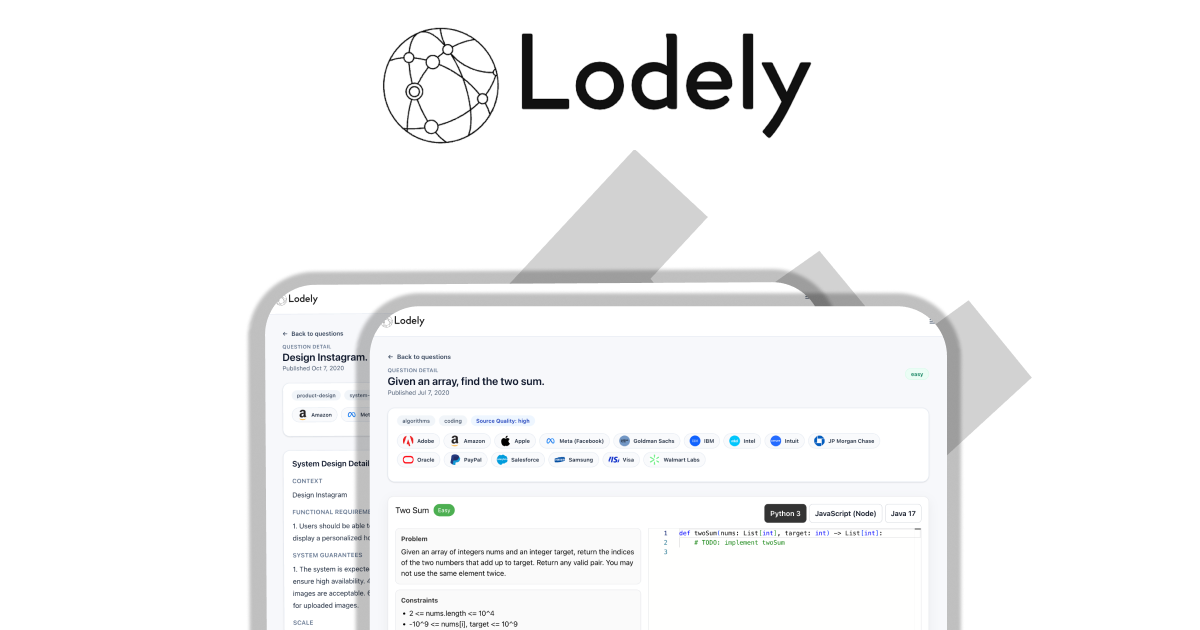
Price: See current pricing | Free resources: Yes
Most AI interview tools do one thing — mock practice, real-time copilot, or speech coaching. Lodely is the only platform I tested that covers the full pipeline: coding, system design, behavioral, and company-specific prep, all structured into a guided path that tells you exactly what to work on next.
What stood out: The 4,000+ question database is sourced from real interviews at 1,000+ companies — not invented practice problems. When I ran it against a Google prep cycle, it pulled questions that matched what actual candidates reported from their on-sites in the past 6 months. That's a level of specificity most platforms can't touch.
But the real differentiator is the guided path. Instead of dumping you into a problem bank and saying "good luck," Lodely sequences your prep accordingly. After two weeks of following the path, I noticed my prep sessions were 2-3x more productive because I wasn't wasting time on unnecessary areas.
The platform also includes 100+ interview simulations that replicate the format of real rounds — with company-specific questions.
Where it falls short: Lodely doesn't offer a real-time copilot for practice sessions. If you want live AI feedback while running mock interviews, you'll need to pair it with a tool like LockedIn AI or Final Round AI. It's also purpose-built for software engineers — if you're prepping for PM, data science, or non-tech roles, this isn't the platform for you.
The bottom line: If you're a software engineer targeting top tech companies and you want one platform that replaces the chaos of juggling LeetCode, YouTube system design videos, and random behavioral question lists, Lodely is the most complete solution I've found. It's the structured training program; the other tools on this list are individual exercises.
Google Interview Warmup — Best Free AI Interview Practice
Price: Completely free | Signup required: No
Google built this and then barely told anyone about it, which is a shame because it's the best free interview practice tool available. No account needed. No credit card. No "free trial that expires in 3 days." You just open it and start practicing.
What stood out: Interview Warmup does one thing well — it listens to you speak and gives you feedback on what you said. You pick a question category (data analytics, IT support, project management, UX design, or general), hit record, and talk through your answer out loud. The AI transcribes your response in real-time and then highlights three things: job-related terms you used (or missed), your talking points coverage, and patterns in your speech like repeated words or filler phrases.
The magic here isn't the AI — it's the format. Most people practice interview answers in their head or type them out. Neither of those prepares you for actually speaking under pressure. Interview Warmup forces you to say your answers out loud, which is a fundamentally different skill. I've coached engineers who could write flawless STAR answers but stumbled when they had to say them in real time. This tool fixes that.
Where it falls short: The feedback is surface-level. It'll tell you that you used the word "basically" seven times, but it won't tell you that your answer lacked a specific metric or that your STAR structure was missing the "Result" component. There's no scoring, no progress tracking across sessions, and no way to practice with follow-up questions — which is where most candidates actually fall apart.
It also skips technical interviews entirely. No coding, no system design, no architecture questions. If you're a software engineer prepping for a FAANG loop, this tool covers maybe 20% of what you need.
The bottom line: Use this for behavioral interview practice, especially if you're early in your prep and haven't practiced speaking answers out loud yet. But don't mistake it for comprehensive prep — it's a warmup tool (the name is accurate), not a training program.
Pro tip: Record yourself answering the same question three times in a row. Compare the transcripts. By attempt three, you'll notice your answers get tighter and more structured — that's the muscle memory building.
LockedIn AI — Best Interview Copilot for Mock Practice
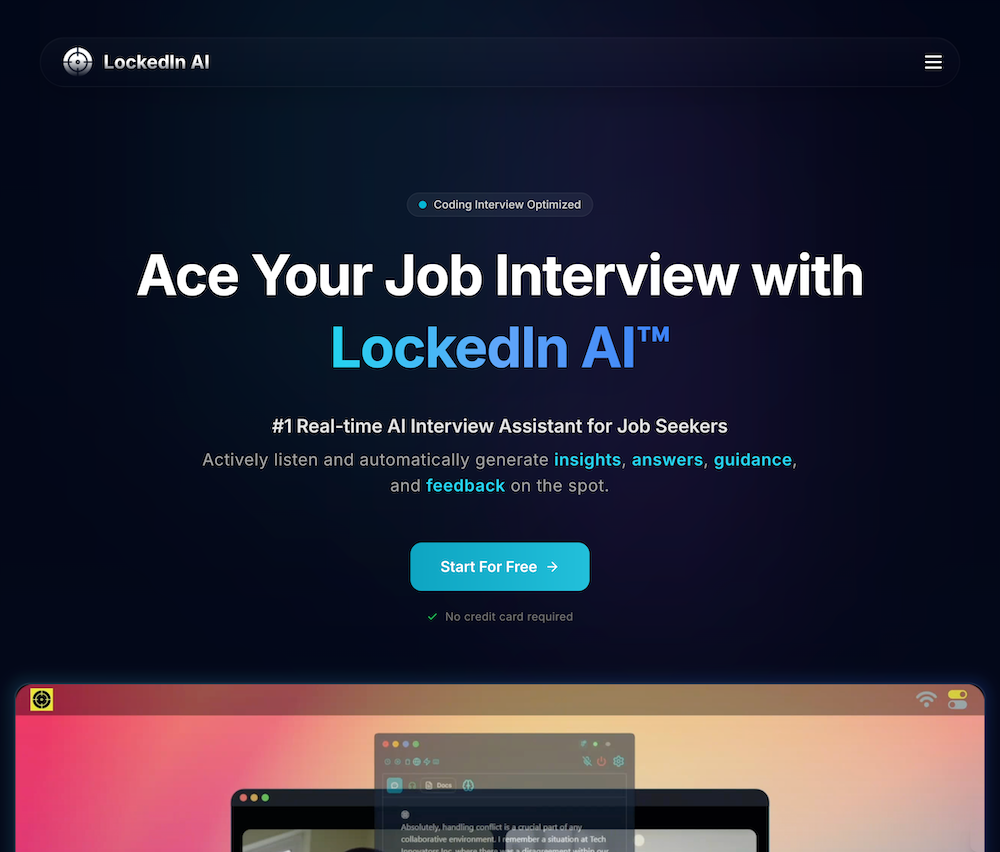
Price: $30–$41/month | Free trial: Available
LockedIn AI is the best interview copilot I tested for running high-quality mock practice sessions. It runs a dual-layer system: one AI generates response suggestions while a second AI coaches your delivery in real-time — pacing, tone, clarity, even when to pause. The result is like having a senior engineer watching over your shoulder during practice and giving you instant notes.
What stood out: The response speed is impressive — the company claims 116ms latency, and in my mock sessions, suggestions appeared almost instantly after the question was asked. The dual-layer approach is clever. During a mock behavioral question, I got both a content suggestion ("mention the 30% latency reduction from Q3") and a delivery note ("slow down — you're rushing through the impact section"). That combination — content plus delivery coaching — is something no other copilot does, and it makes solo practice sessions dramatically more useful.
LockedIn also supports multiple AI models under the hood (including GPT-4, Claude, and Gemini), which means the quality of suggestions varies based on the question type. For technical questions, it routes to models better at reasoning. For behavioral, it optimizes for structure and storytelling. The answer quality was noticeably better on technical prompts compared to Final Round AI.
Where it falls short: The interface takes some getting used to. During my first mock session, I spent more time reading the overlay than focusing on my answer — which defeats the purpose. It took about three sessions before I could glance at suggestions without losing my train of thought. Also, the delivery coaching (pacing, tone) sometimes fires at unhelpful moments, like telling me to "add a pause" right when I was building momentum on a key technical explanation.
The bottom line: Best-in-class interview copilot for accelerating your prep. If you're shopping for the best interview copilot to supercharge your mock practice sessions, this is the one. Run 5-10 sessions with LockedIn, internalize the patterns it teaches you, and then go into your real interviews prepared to perform on your own.
Pro tip: Use LockedIn's copilot for mock sessions focused on company-specific terminology and question styles. The multi-model approach handles niche technical questions better than single-model copilots, so it's great for drilling domain-specific prep.
Pramp (Exponent) — Best AI for Coding Interviews
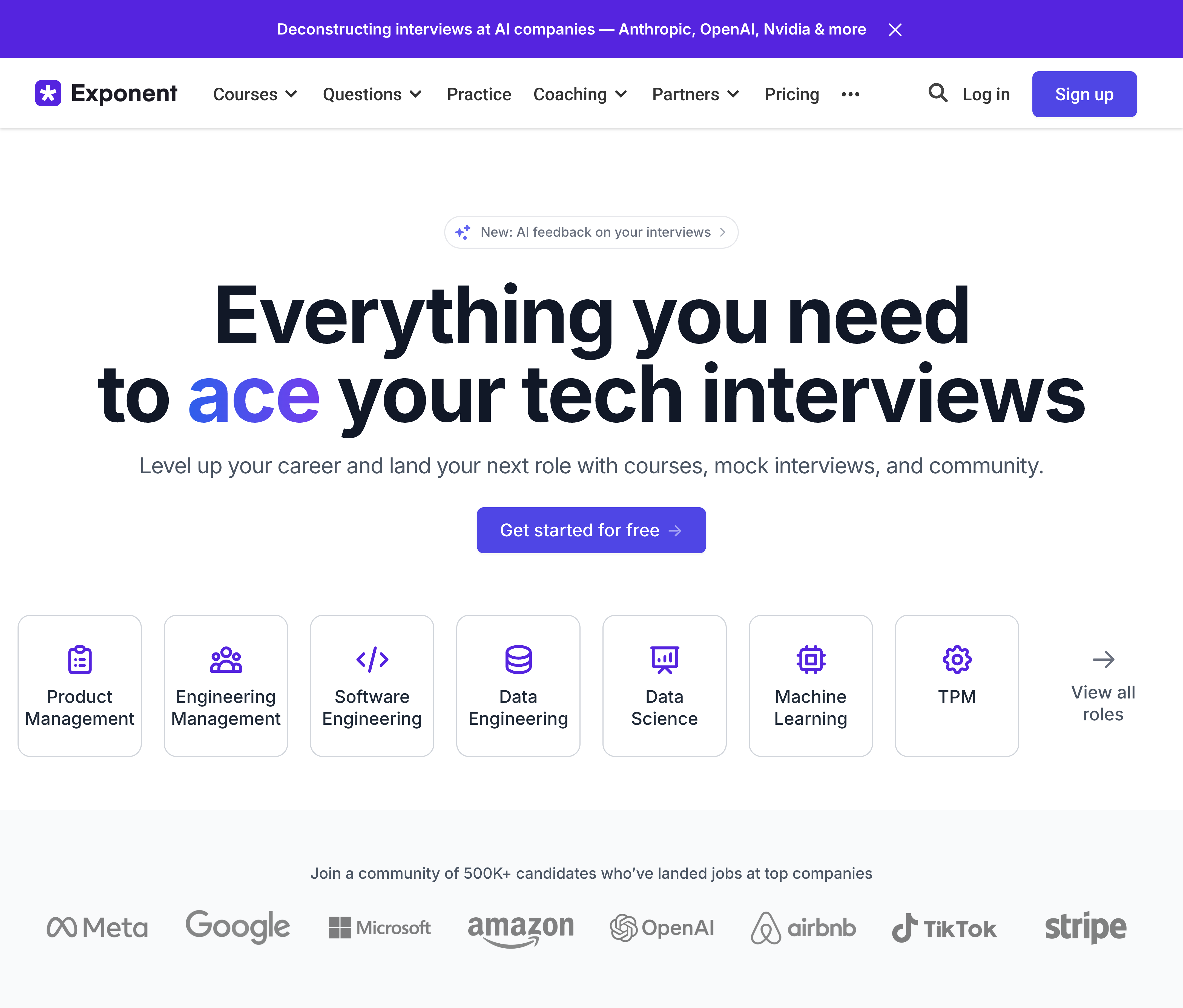
Price: Free (5 sessions/month) to $79/month | Free tier: Yes
Pramp — which merged into the Exponent platform in 2024 — is still the best free coding interview AI assistant for live practice. The concept is peer-to-peer: you get matched with another engineer, you take turns interviewing each other, and you both give feedback. It's not AI-generated practice; it's real humans working through real problems.
What stood out: The bi-directional format is Pramp's secret weapon. When you interview someone else, you see the problem from the interviewer's perspective — what makes an answer good, where candidates get stuck, what "thinking out loud" actually sounds like when done well. After 10 Pramp sessions, I noticed candidates who did both sides consistently gave more structured answers than those who only practiced as the interviewee.
The question bank covers the major categories: arrays, trees, dynamic programming, system design, and behavioral. Questions are sourced from real interviews, and the difficulty is calibrated to match what you'd see at a mid-level to senior coding loop. The free tier gives you 5 sessions per month, which is enough to build a habit without paying anything.
Where it falls short: Peer quality is wildly inconsistent. In my five free sessions, two partners were well-prepared senior engineers who gave sharp feedback. One was a student who struggled to follow the problem. And two no-showed entirely. The Exponent Pro upgrade ($79/month or $12/month annual) unlocks unlimited sessions and access to their course library, but at that price point you're competing with dedicated platforms that offer more structured guidance.
The missing piece is structure. Pramp gives you reps, but it doesn't tell you what to practice or when you're ready to move on. That's why I'd pair it with a guided platform like Lodely — use the diagnostic to identify your weak spots, then use Pramp sessions to pressure-test the areas you've been drilling. Think of Pramp as the gym and a structured prep platform as the training program that tells you which exercises to do and when.
The bottom line: Excellent free resource for coding interview practice. Use the free 5 sessions/month to get live reps, but pair it with a structured prep system so you're not just grinding randomly.
Pro tip: Schedule Pramp sessions for 2-3 days before your real interviews, not the night before. You want the practice to inform your prep, not replace it.
How to Actually Use AI Interview Tools (Without Wasting Time)
Here's what most people get wrong: they sign up for three or four of these tools, bounce between them for a week, and then wonder why they're not improving. The tools aren't the problem. The lack of structure is.
After testing all six platforms, here's the framework that actually works:
Phase 1: Diagnose (Days 1-3). Before you touch any AI tool, figure out where you're weakest. Are you struggling with coding problems? System design? Telling a coherent story in behavioral rounds? Most candidates skip this step and jump straight into LeetCode grinding — which is like going to the gym and only doing bicep curls because you don't know what else to do.
Phase 2: Targeted practice (Days 4-14). Now use the tools. Google Interview Warmup for behavioral answer practice (free, no excuses). Pramp for coding reps with live humans. And if you have 2-3 specific upcoming interviews, consider a copilot like Final Round AI or LockedIn AI — but only after you've practiced enough to know what good answers sound like.
Phase 3: Simulate real pressure (Days 15+). The gap between "I can solve this problem at my desk" and "I can solve this problem with someone watching me on a timer" is enormous. Use Pramp's live format or schedule a session on Interviewing.io ($179 per session with a real FAANG engineer, expensive but high-signal). If budget is a constraint, look for platforms that offer timed interview simulations replicating the format and pressure of real rounds — including company-specific scenarios for Google, Meta, Amazon, and other top employers.
The key principle: AI tools are force multipliers, not substitutes. They make your existing prep more efficient, but they can't replace knowing the fundamentals. Use them to accelerate, not to shortcut.
FAQ
Which AI interview tool is best for software engineers?
For end-to-end covering coding, behavioral and system design, Lodely covers the most ground — 4,000+ real interview questions and a guided path that sequences your prep. Pair it with Pramp's free tier for live practice reps. If you want a real-time copilot to accelerate your mock sessions, LockedIn AI handles technical questions better than most alternatives thanks to its multi-model routing.
Are AI interview copilots worth the money?
It depends on what's at stake. If you're interviewing for a role paying $200K+ in total compensation, spending $30-90/month on a copilot that helps you perform 10-20% better is a no-brainer ROI. But copilots work best when you've already done the prep — they sharpen your delivery, they don't teach you the material. If you don't know how to approach a system design question, no copilot will save you.
Should I use an AI copilot during a real interview?
No. Using undisclosed AI assistance during a real interview is cheating — and companies are getting better at catching it. Behavioral tells (darting eyes, unnatural pauses, answers that sound too polished) are obvious to experienced interviewers, and many companies now explicitly screen for AI use. Beyond detection, there's a practical problem: if you can't answer the questions without AI help, you won't be able to do the job. The right approach is to use copilots during practice to learn what strong answers sound like, then perform on your own when it matters.
What's the best free AI tool for interview prep?
Google Interview Warmup for behavioral practice (completely free, no signup). Pramp's free tier for coding interviews (5 sessions/month). And ChatGPT or Claude as an AI interview answer generator free of charge — great for question practice, company research, and answer refinement. Between these three, you can build a solid prep routine without spending a dollar. However, free tools don't tell you what to prioritize or which questions will come up for your specific company. That's where paid platforms earn their keep.
How many AI interview tools should I use at once?
Two, maximum three. One for practice reps (Pramp or Interview Warmup), one for feedback and refinement (Final Round AI's post-session analytics or an AI interview answer generator like ChatGPT for answer polishing), and optionally a copilot like LockedIn AI for supercharging your mock sessions. More than three and you'll spend more time switching between tools than actually improving.
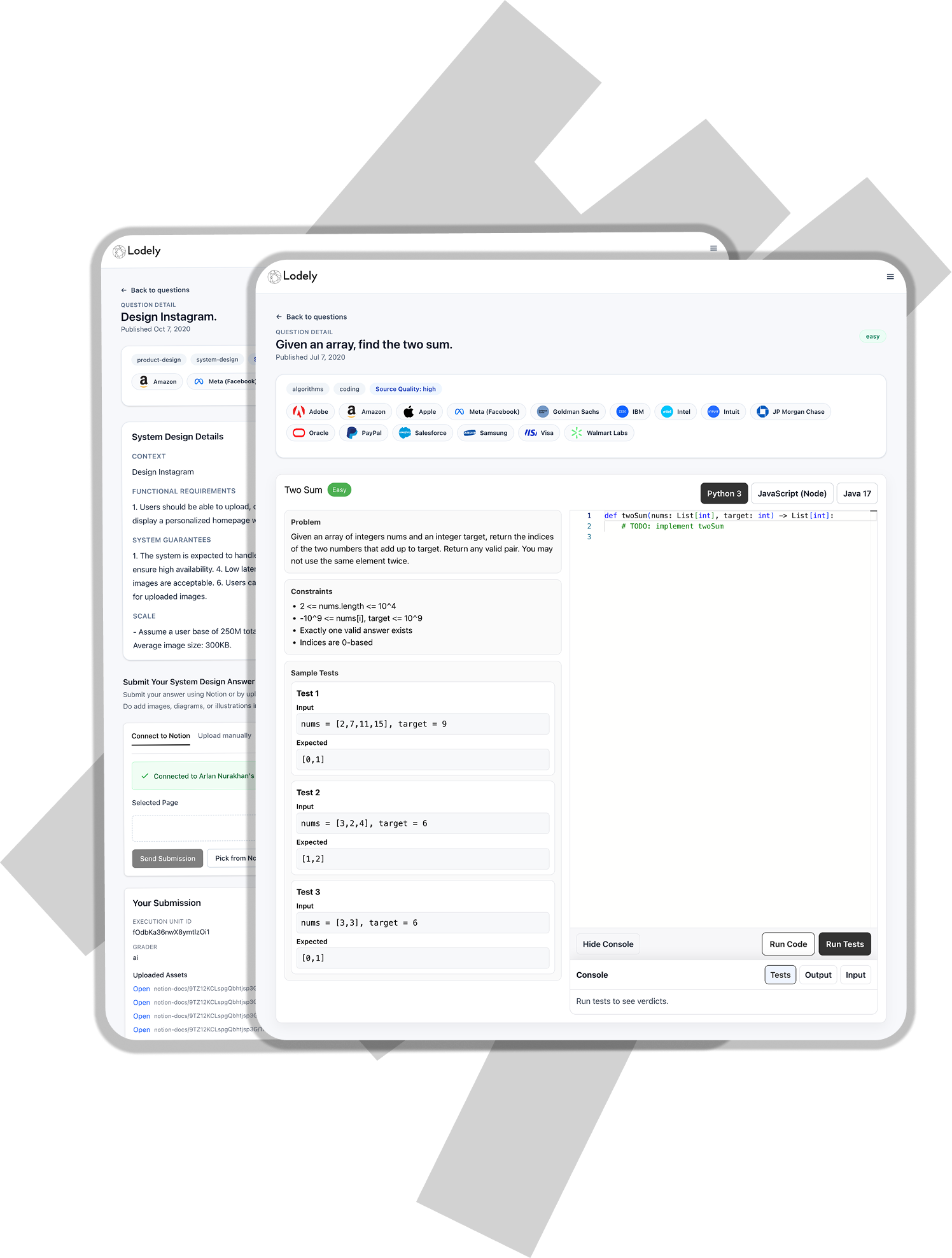
✉️ Get free faang interview cheat sheet and interview tips weekly
✉️ Get free faang interview cheat sheet and interview tips weekly